SkinSmart Learn
Rigging notes built from the failure itself.
Practical Blender guides grounded in reproducible tests, real files, and the official manual.
Not sure whether the rig is fixable without starting over? Describe the failed pose first; the file link is optional. No payment is collected at intake.
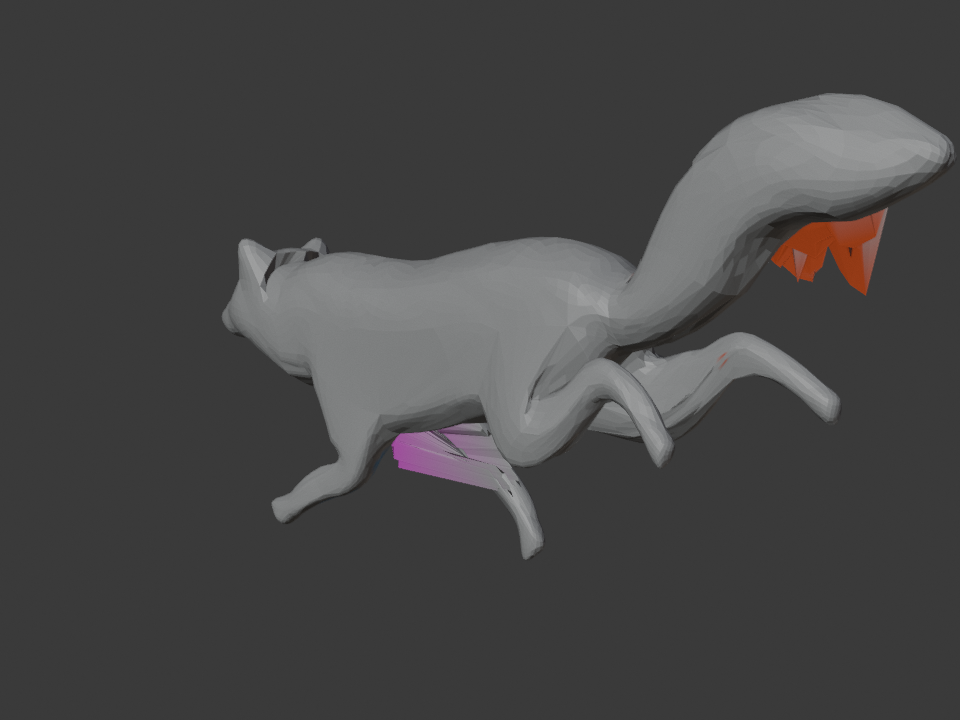
Start with the symptom
Each guide separates rig setup, weight data, and deformation quality so a repaint is the last resort, not the first move.

Blender Weight Paint Fix: Find the Wrong Bone Fast
Identify the unrelated vertex group, isolate the affected vertices, and fix only the bad influence.
Read the guide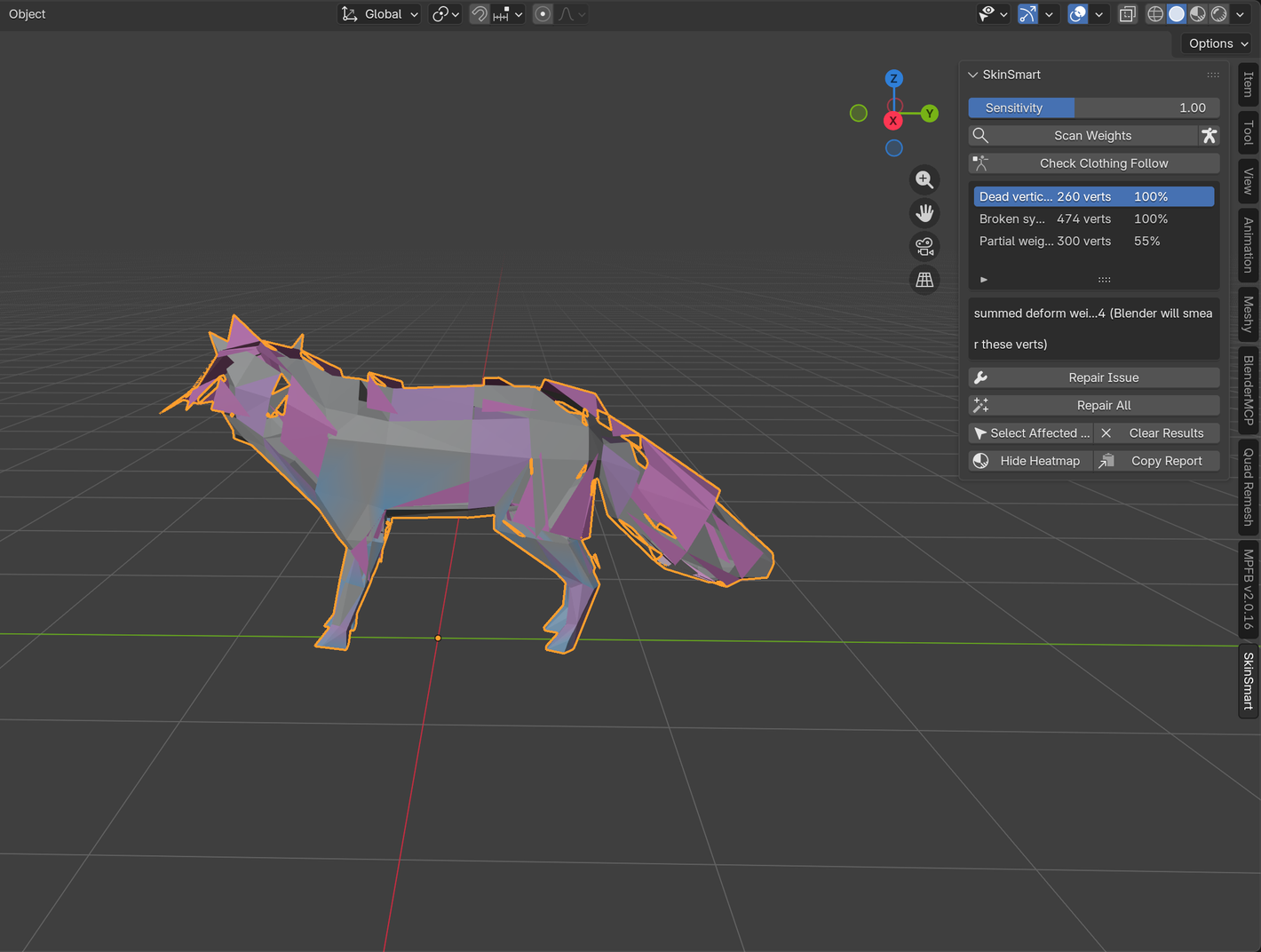
Bone Heat Weighting failed? Find the blocker before you repaint.
Isolate the mesh, topology, transform, or deform-bone condition that stopped Automatic Weights without erasing good work.
Read the guide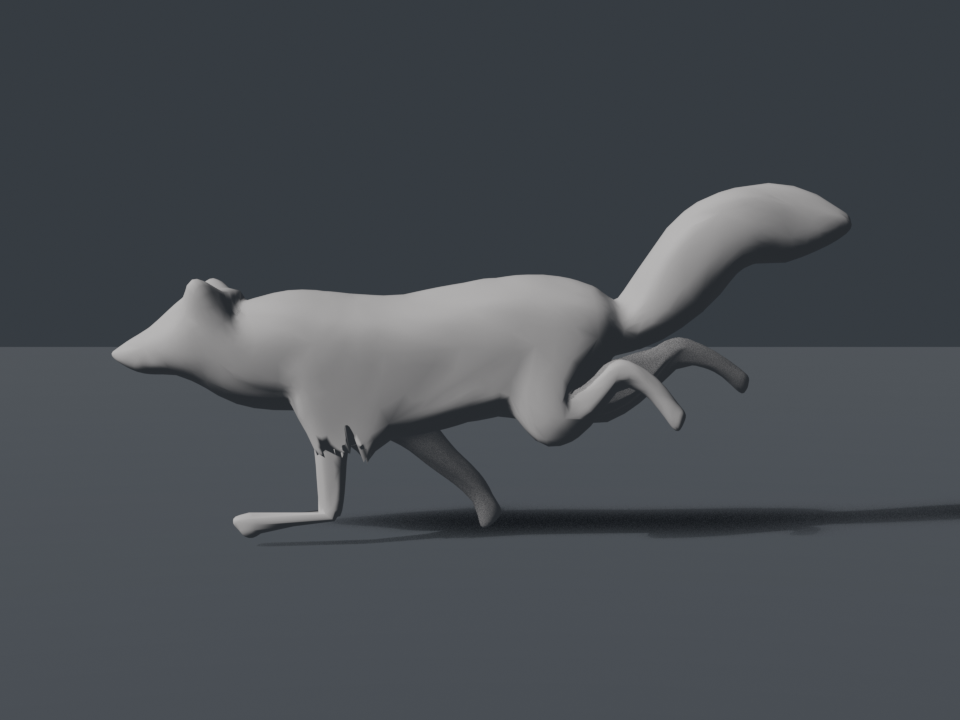
Meshy or Tripo creature deforms badly in Blender? Test the weights.
Separate bone placement, topology, animation, and skin-weight failures before replacing an AI-generated creature rig.
Read the guide
Smooth Blender weights in one area. Leave the rest alone.
Mask the problem region, restrict the affected groups, smooth lightly, normalize, and test the complete joint range.
Read the guide
Blender Automatic Weights failed? Diagnose it before you repaint.
A symptom-first checklist for dead vertices, wrong-bone influence, mushy joints, setup traps, and failed rebinds.
Read the guide